
Saving, Loading and Arting
Behind-the-scenes discussion on art stuff and saving logic!
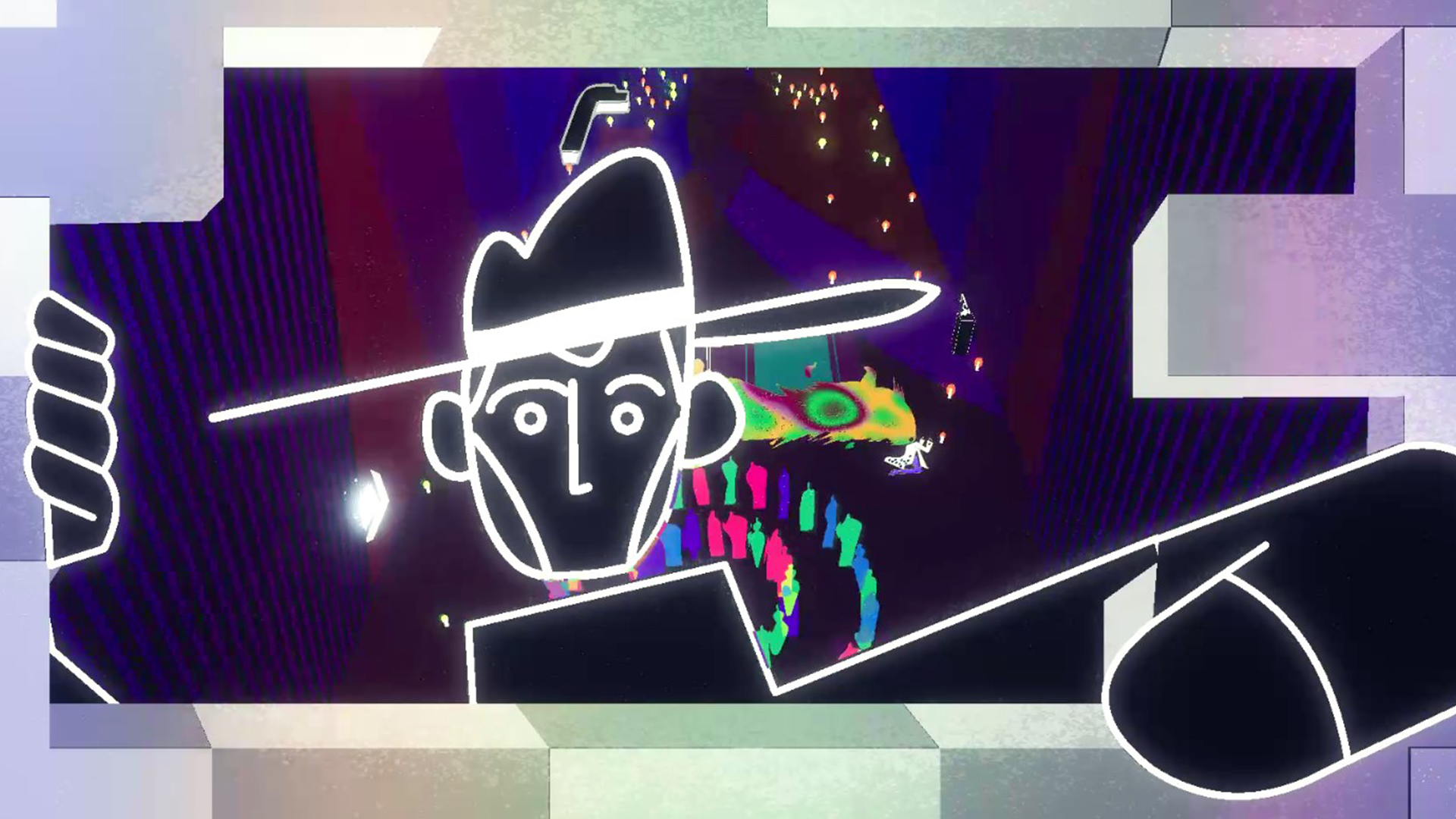
Hi from the Feral Cat Den team!
This month, we’ve got some news on some more behind-the-scenes goings-on of Nirvana Noir. We’ve been hard at work on more of the game, and we’d like to share some updates on things both visual and technical. So let’s dive in!
Art and Animation Design
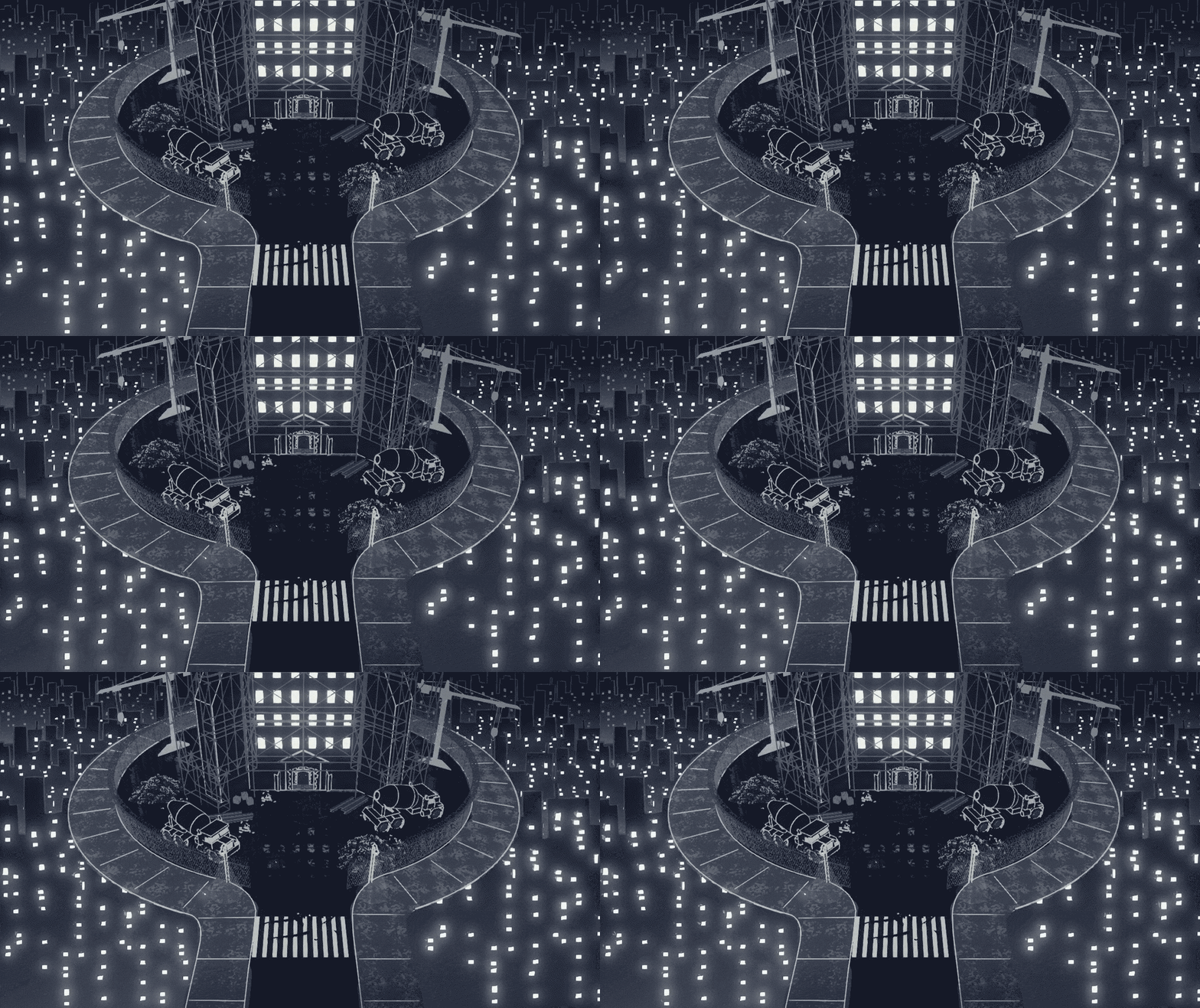
Revisiting the beginning of the game, we decided to make our initial glimpse of the Constant at the bottom of No Man’s Clocktower a little more special. This is our first real look at the Constant in the Black Rapture timeline so there is great opportunity and value in getting this first impression right.
We layered these abstracted skylines to give a sense of depth and grandness, while subtle gradients give the impression of lights and life coming from beneath. It’s all still the same asset though, just repeated in a clever way; so as you can see, you can achieve a lot with very little.
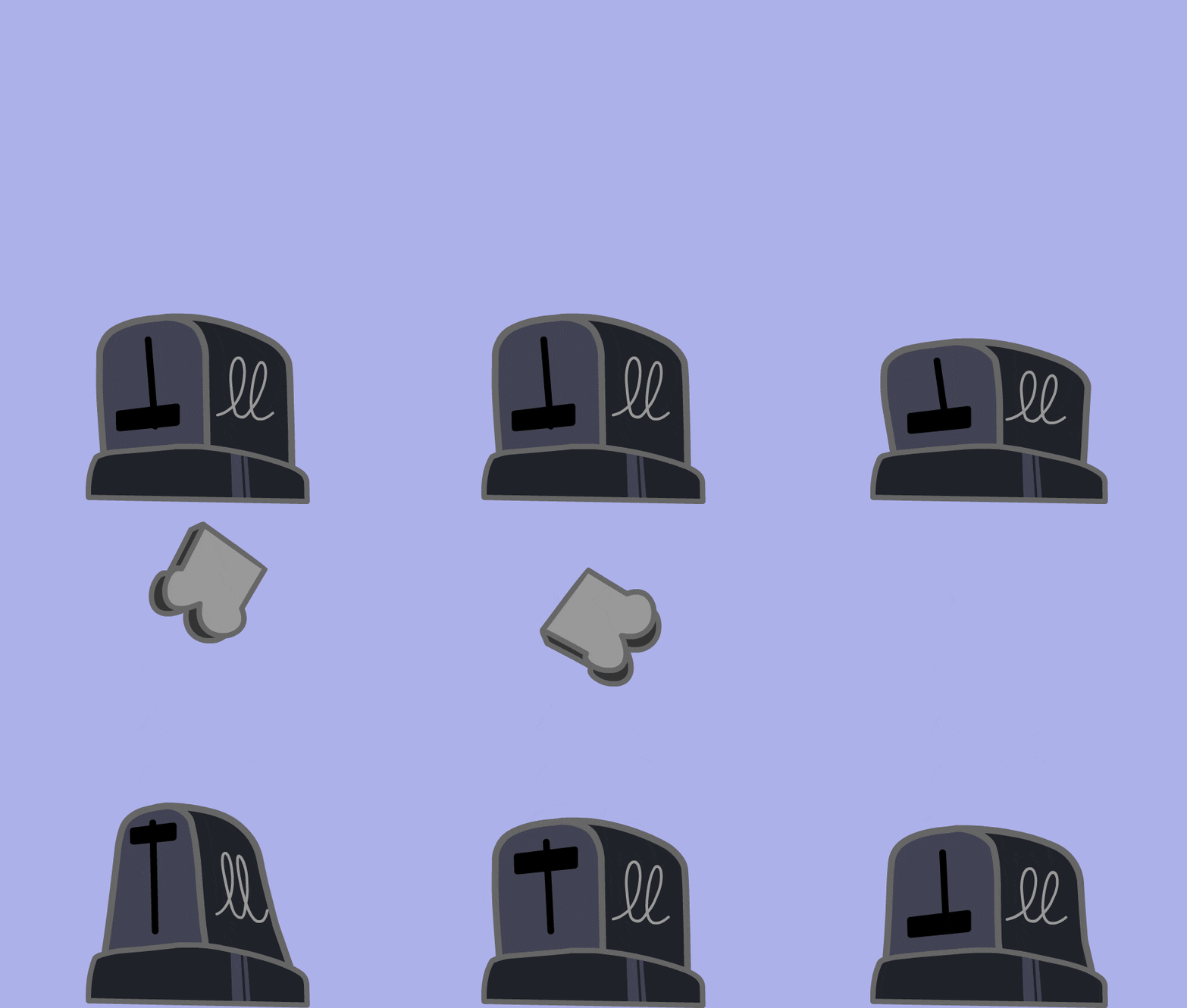
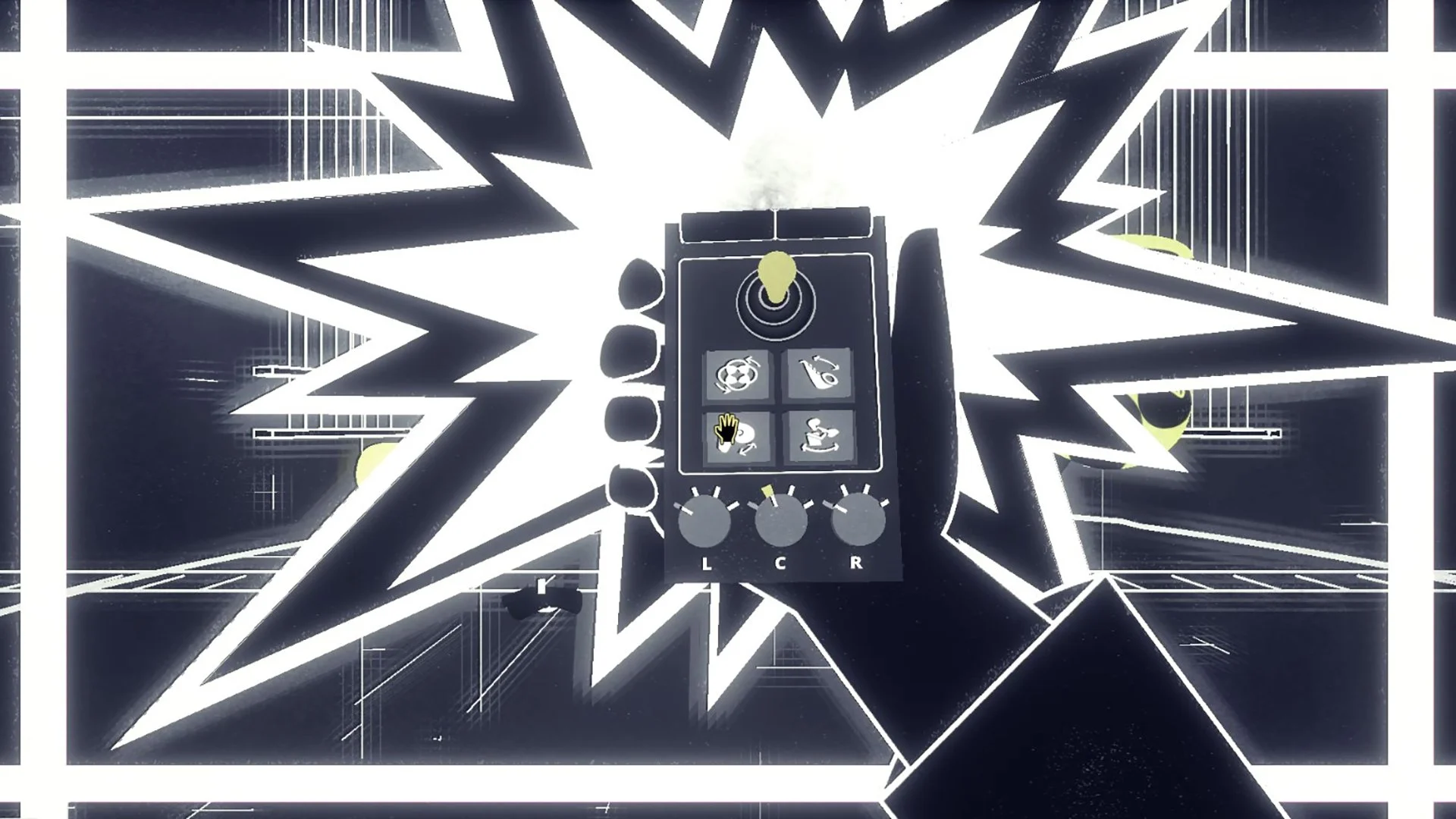
Later in the act is an interaction with electronic devices. We decided to go 2D animation on this rather than 3D, figuring we could get more control of and whimsy out of the artwork this way. Here is a near-finished loop of a toaster.
We ultimately went with this simpler animation as a proof of concept for the other items but it was fun to rough out some silly animation ideas and here is one for the toaster that didn’t make the proverbial cut.
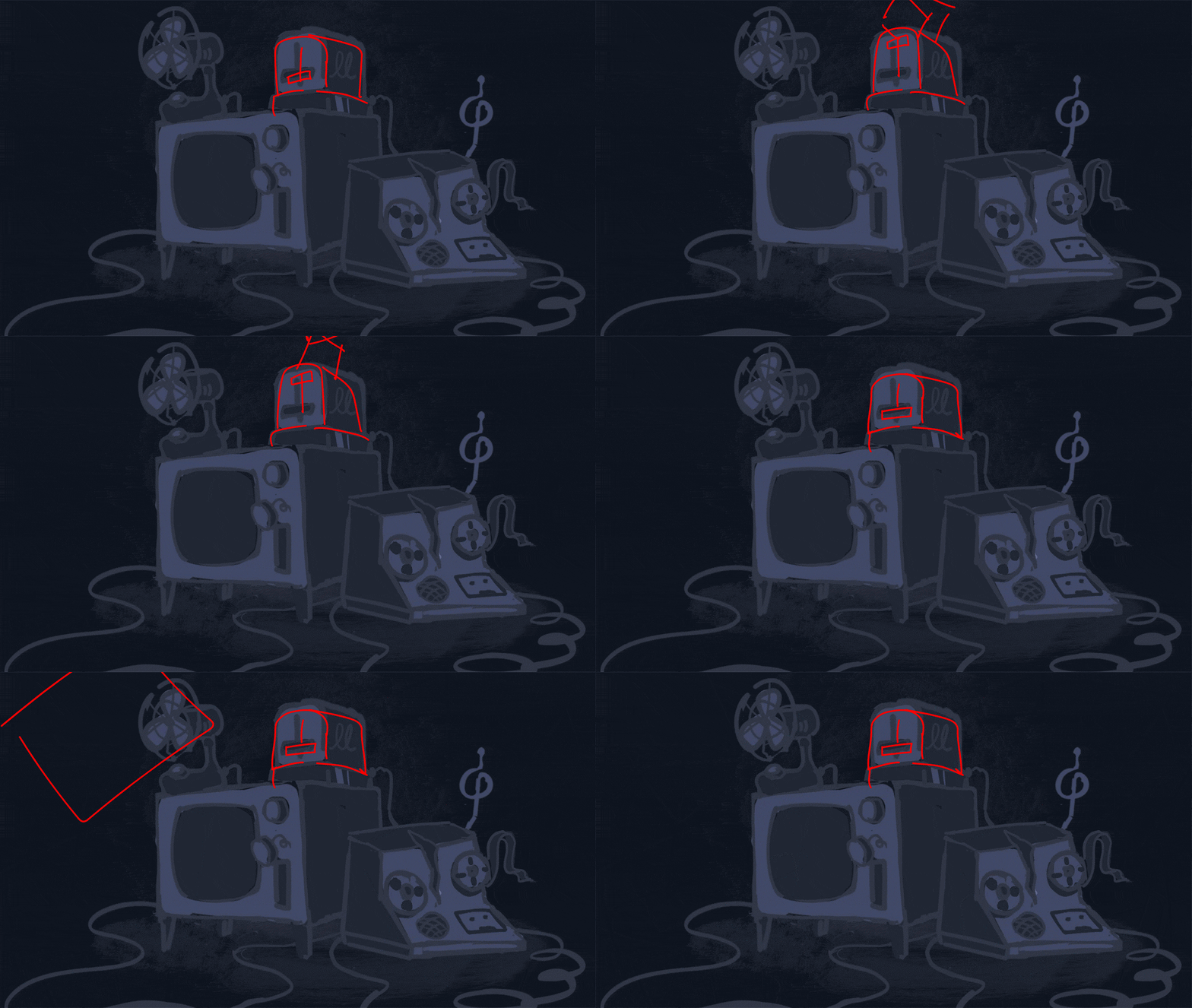
As you can see, there’s even a lot of work going into something little!
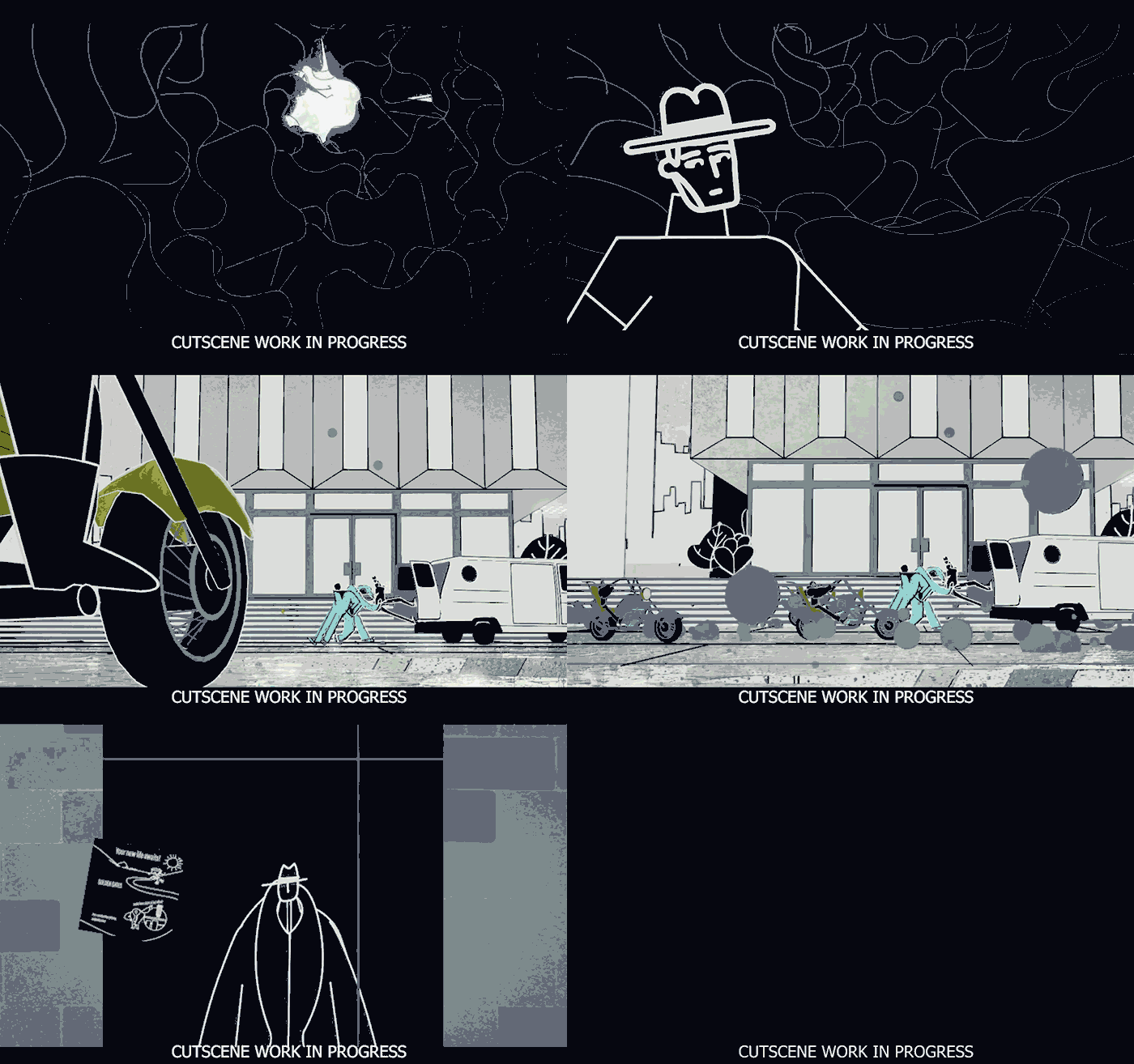
In other art areas, we’ve been focused on fleshing out scenes. As the pacing, tone, and plot all solidify, we’re in the process of taking cutscenes that were described by text boxes and blocking them in.
With the scene choreography feeling good, we’re also adding sound effect events for Skillbard to drop in some audio! The audio in Genesis Noir was much simpler than what’s required for Nirvana Noir. Previously Skillbard combined the sound effects and score into one piece of audio for us to play. With the dialogue of Nirvana Noir, however, we need to break up most sound effects to be triggered as the player reads through the text boxes. We have many more events that require a lot of attention to detail, but the feedback of animation, script, and sound all progressing a story feels so good the extra effort is worth the labor!
Saving and Loading - The Unseen World of a Game
We’d also like to share some of our recent work on the less-glamorous bits of gamedev. Specifically, we’re talking about the fascinating world of game save data and loading!
There’s a lot of things you need to consider when designing how the player will save their game:
How often does the game save?
Can the player manually save whenever they want?
How is the save data presented in the game’s menus?
How many save files is the player allowed to make?
What happens if the game fails to save, or a save file is corrupted?
When developing Genesis Noir, we learned these considerations and updated accordingly. However, with Nirvana Noir, we’ve been able to take these lessons learned and create a more robust save system, with four save slots! Each slot will also store backups, so if you encounter a problem, you can roll back to a previous save. Handy and helpful, too!
To answer the other questions, Nirvana Noir generally automatically saves after cutscenes, NPC conversations, and whenever you exit a building and return to the main city. We don’t have manual saves due to the fact that it would require a large amount of additional QA testing. If the game fails to save or a file is corrupted, we display an error message and allow you to roll back to a previous save.
Loading (Or - Remembering What We Did)
Once the game is saved, we of course need to load it again later. This ties into the other big technical thing achieved recently, which was rewriting how we handle loading into specific locations. A “location” is a set of assets that represent a specific place, like the interior of the Butcher’s shop, or the exterior city streets. Originally, we had built out a complex multi-phase transition sequencer, with a bunch of points where we could override the default behavior and replace it with custom code if we needed something special, like if we wanted an NPC to interrupt the player as they enter a building.
Here’s a list of stuff we needed to manage when entering or exiting a location:
Setting up the camera
Enabling input
Starting or stopping any music or sound effect
Setting where the player's character starts
Playing animations / opening doors
Loading new assets / Unloading old assets
That’s a lot of stuff! Trying to unify it into one big universal sequence of events meant that it was difficult for other folks on the team to understand, and difficult for us to update. As we’re fleshing out many of the scenes across the game, this was becoming more and more of an issue. After several days and many pages of notes, we realized that trying to impose any sort of order on this process was a losing battle. There were too many edge-cases and custom behaviors that no amount of checkboxes for enabling or disabling pieces of the sequence would suffice.
The solution? Embrace the chaos. We chopped up the transition sequencer into a bunch of reusable single behaviors, and made each individual location in charge of how it starts up and exits. Each location has a default entrance and exit sequence that it runs, and for each custom behavior or cutscene that we want to run, we check if we need to run it, and then set up and play the cutscene instead.
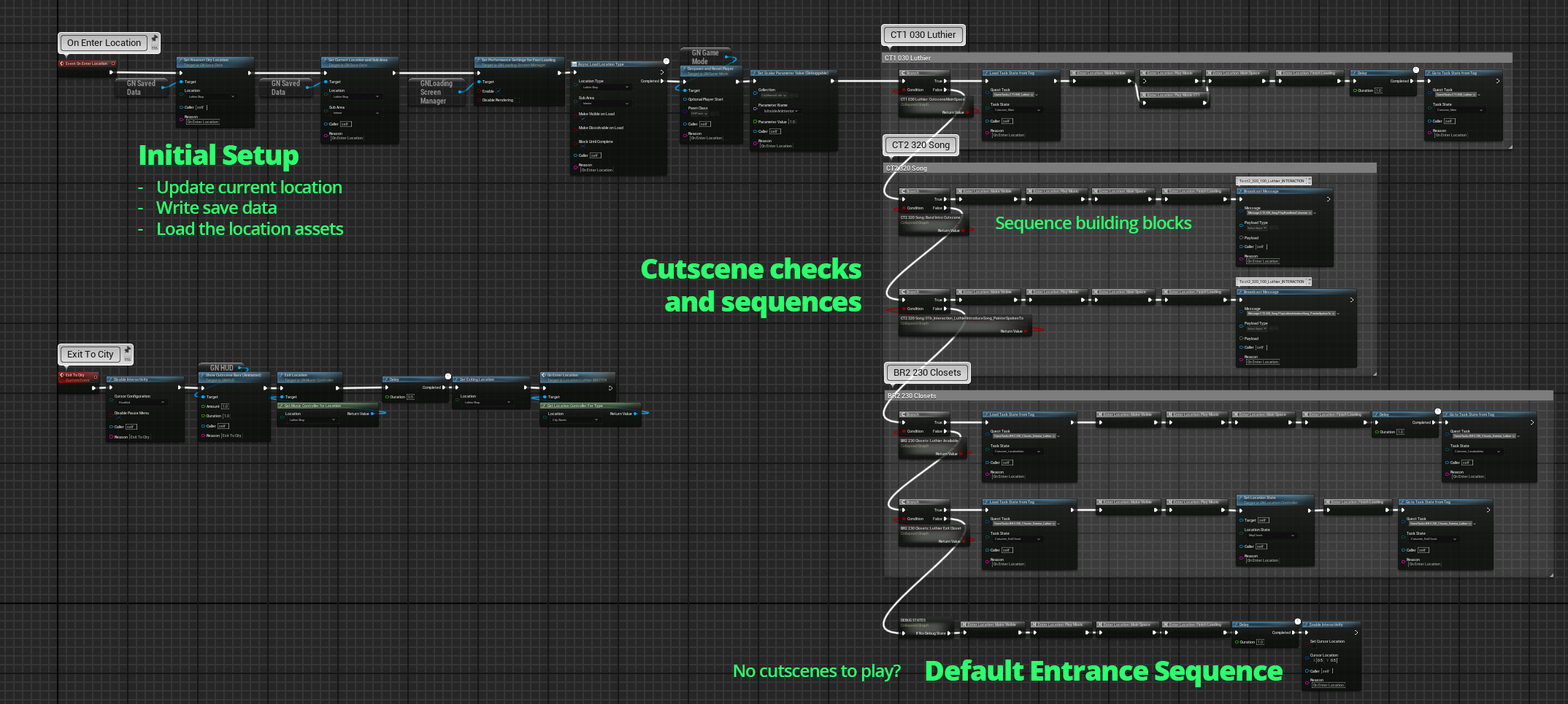
This does result in some duplicated code, which we’re all taught is a bad thing. However, whatever benefits you’d gain from having zero duplicate code would be counteracted by increased complexity and decreased flexibility. Sometimes “good enough” is better than “perfect”.
Thanks for reading this far! We’re so thankful to have an audience for our work and we’re excited to be making a dope adventure for you to play.